LunchLink workplace catering guide
Downtown Toronto catering delivery checklist
A downtown delivery can fail even when the food leaves the kitchen on time. Security desks, loading docks, parking, elevators, pedestrian access, towers, and room changes all need to be reflected in the delivery brief.
At a glance
Key takeaways
- Use the full building and tower name
- Confirm loading and security procedures
- Plan from eating time backward
- Keep an onsite contact reachable
Document the complete address
Include street address, building name, tower, entrance, loading instructions, floor, room, buzzer or security procedure, and the name and mobile number of the onsite receiver.
Do not rely on a company name alone in a multi-tower complex.
Build a realistic delivery window
Start with the desired eating time, then allow for unloading, security, elevators, walking, room access, setup, and any food-holding limits. The delivery window should be agreed with the selected provider.
Tell the planner about construction, road closures, special event restrictions, or limited loading access when known.
Prepare the receiving plan
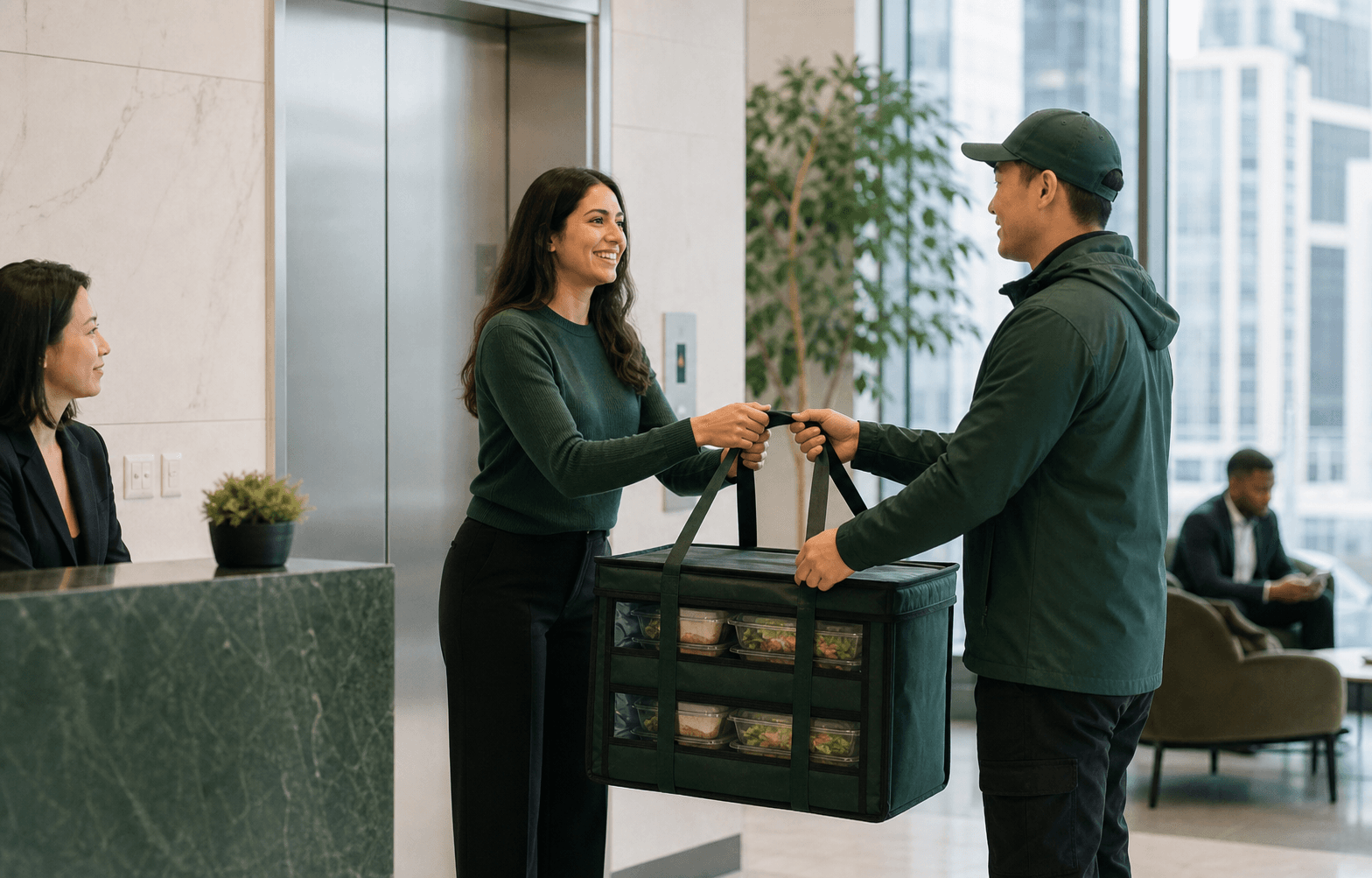
Choose who will meet the delivery, where items will be placed, how dietary meals will be separated, and who has access to serving tables or equipment.
Make sure the onsite contact is not presenting, in another meeting, or unreachable during the expected arrival period.